Solo developer
Taobao Exchange
Shop Taobao and see NT$ right next to the price.
Shopping on Taobao and Tmall means multiplying every RMB price by the exchange rate yourself. With Taobao Exchange installed, prices on product pages, search results and the cart get their New Taiwan dollar figure right beside them, at a rate that updates itself every day.

- 279
- Chrome Web Store users
- 4.8 stars
- From 5 ratings
- No sign-in
- Everything is worked out in your browser
What it does
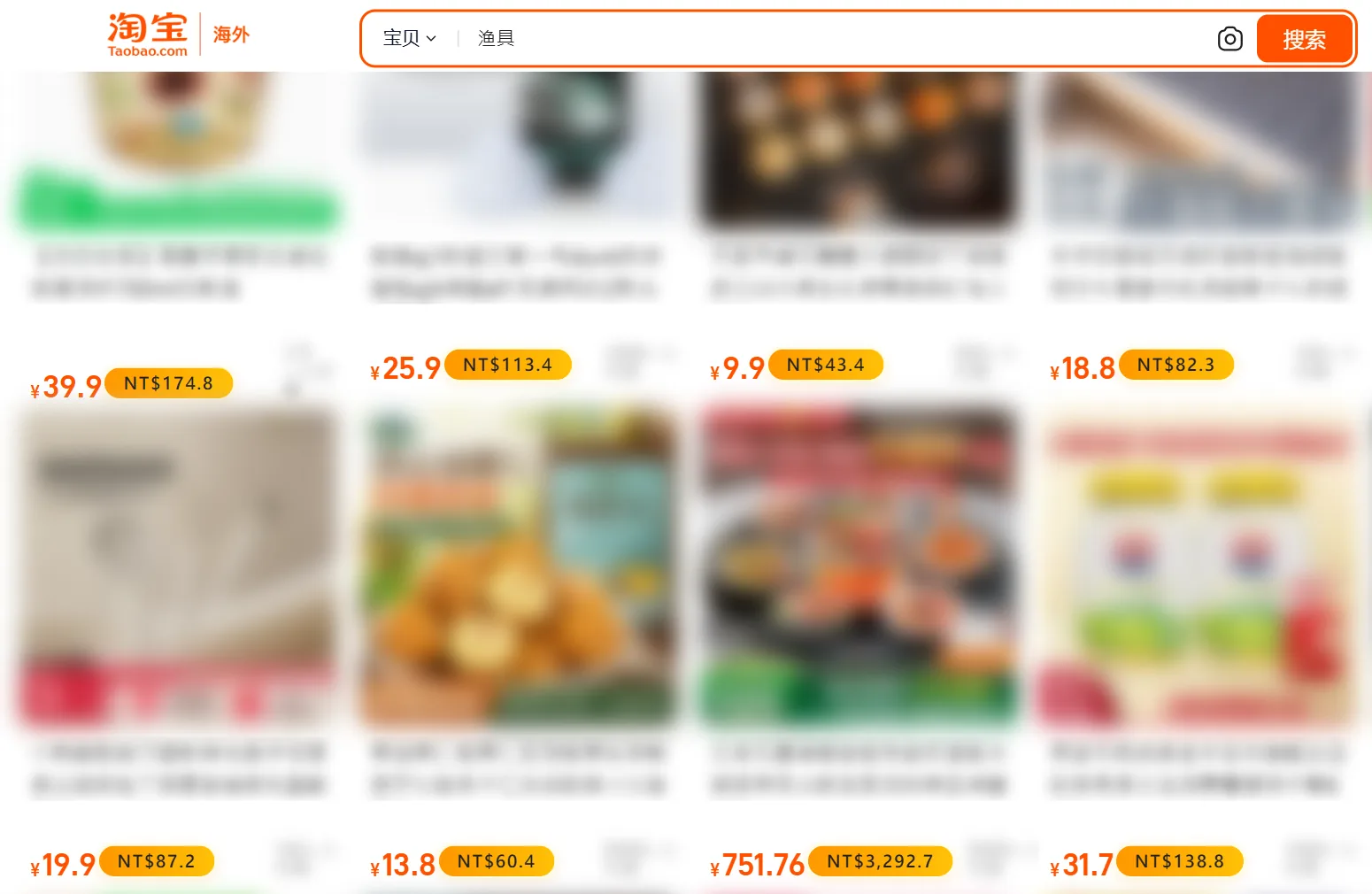
NT$, right next to the price
On product pages, search results, the cart, favourites and your browsing history, every RMB price gets an NT$ tag beside it. Scroll, page or filter and the newly loaded prices are converted too.
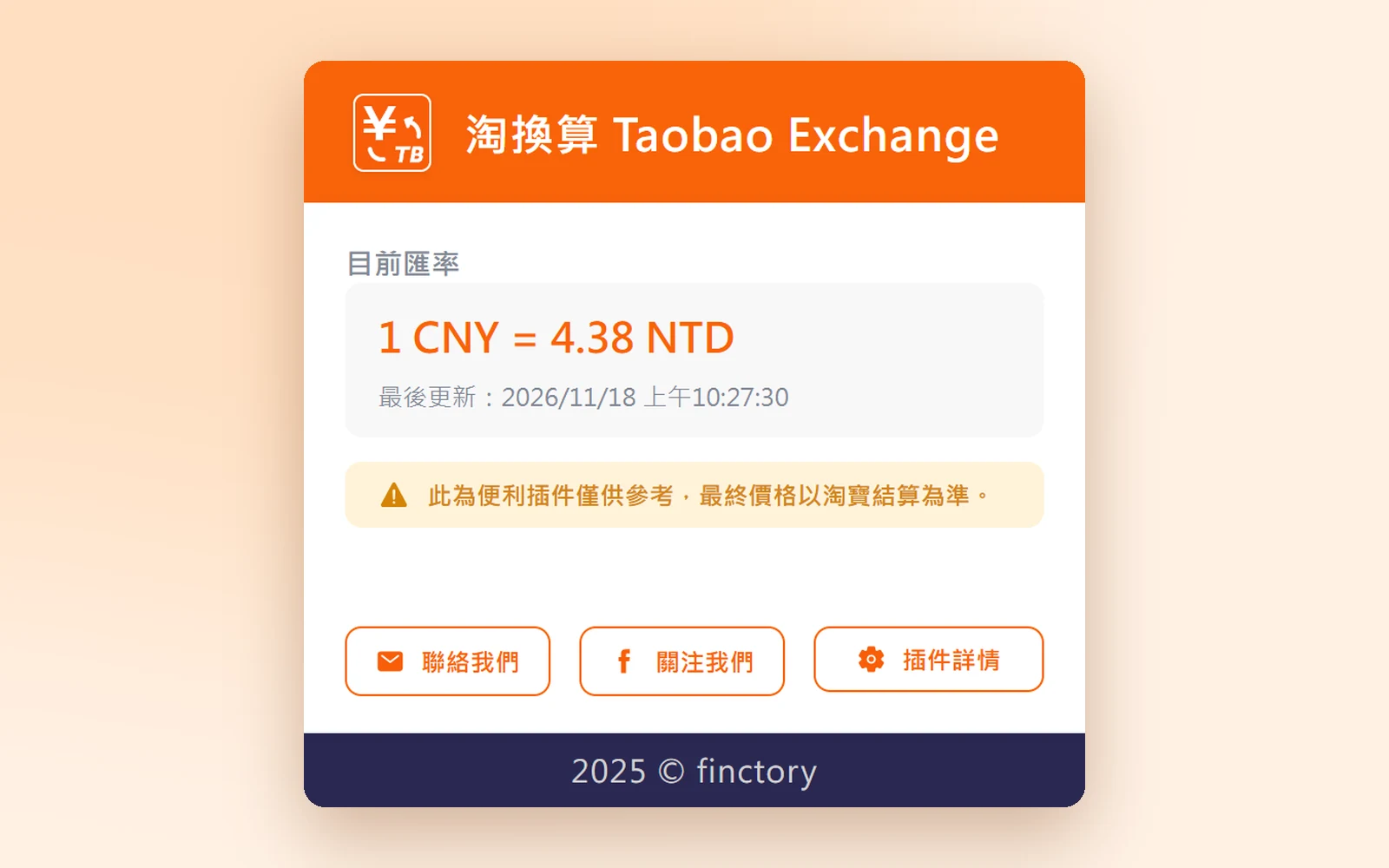
A rate that updates itself
Click the icon in the toolbar to see the rate in use and when it was last updated. Nothing to type in and nothing to set up.
No account, and hands off your data
All conversion happens in your own browser. No account, and it neither reads nor stores your shopping history; it never runs on checkout or sign-in pages at all.
Try it: Taobao in NT$
This is what a Taobao results page looks like with the extension on. Flip the switch, or change the rate.
- Canvas tote bag¥299.0
- Clip-on desk lamp¥89.9
- Enamel mug¥35.8
- Mechanical keyboard¥459.0
Made-up listings and an example rate. The extension fetches the real rate every day.
What I did
Solo developer
- Built it alone from nothing to the store - price detection, daily rates, the popup and the welcome page
- Made prices convert on Taobao's ever-shifting pages, through infinite scroll and in-page navigation
- Took it through Chrome Web Store review, and still maintain it
Built with
React · TypeScript · Vite · Chrome Extension Manifest V3